

Free
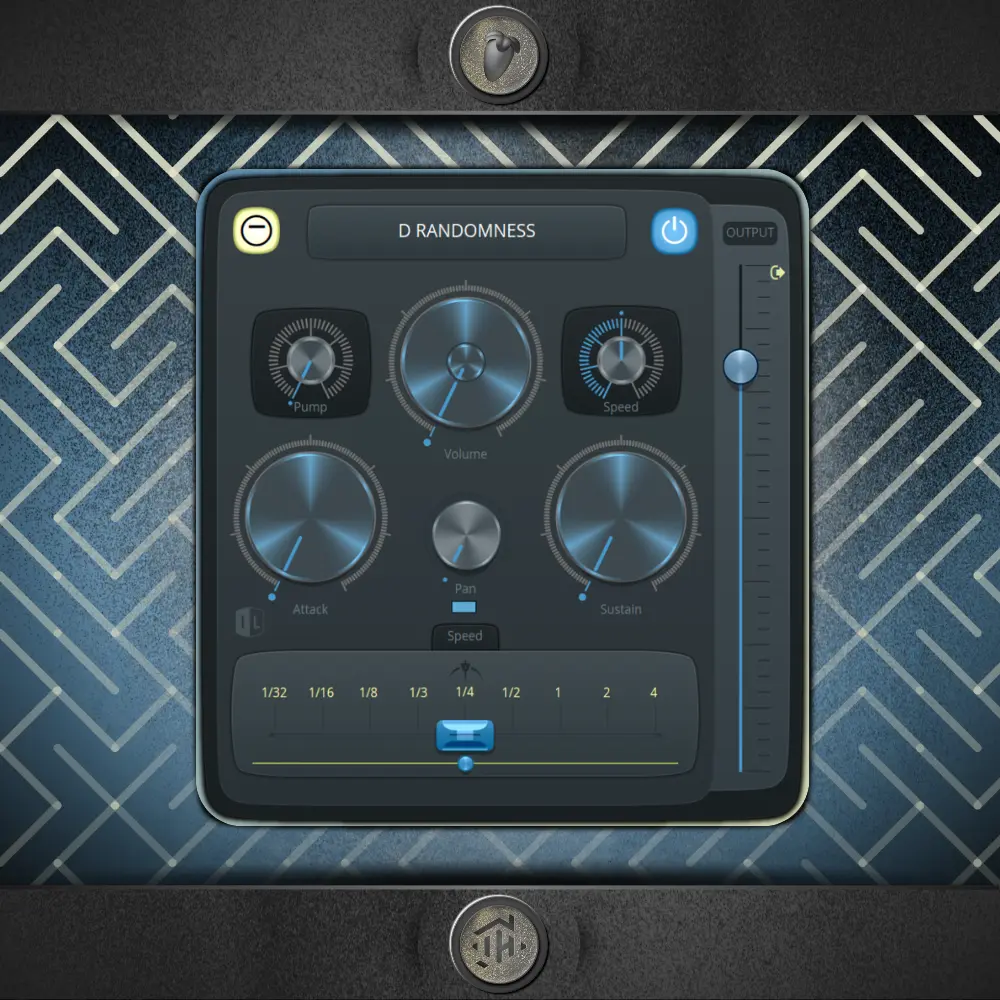
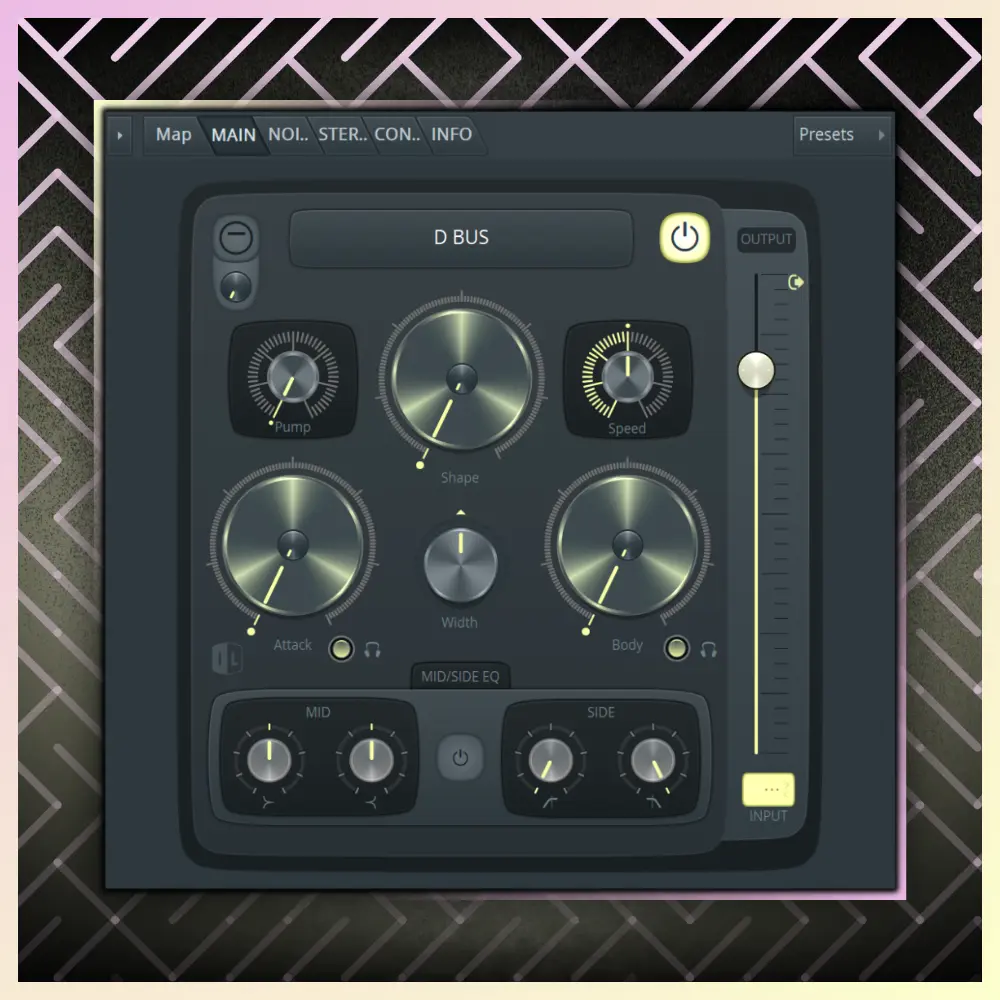
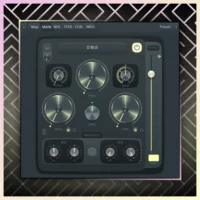
All-in-One Transient Control: Shape the attack and body of your drums with a single knob, applying parallel processes of saturation and soft clipping in a musical way.
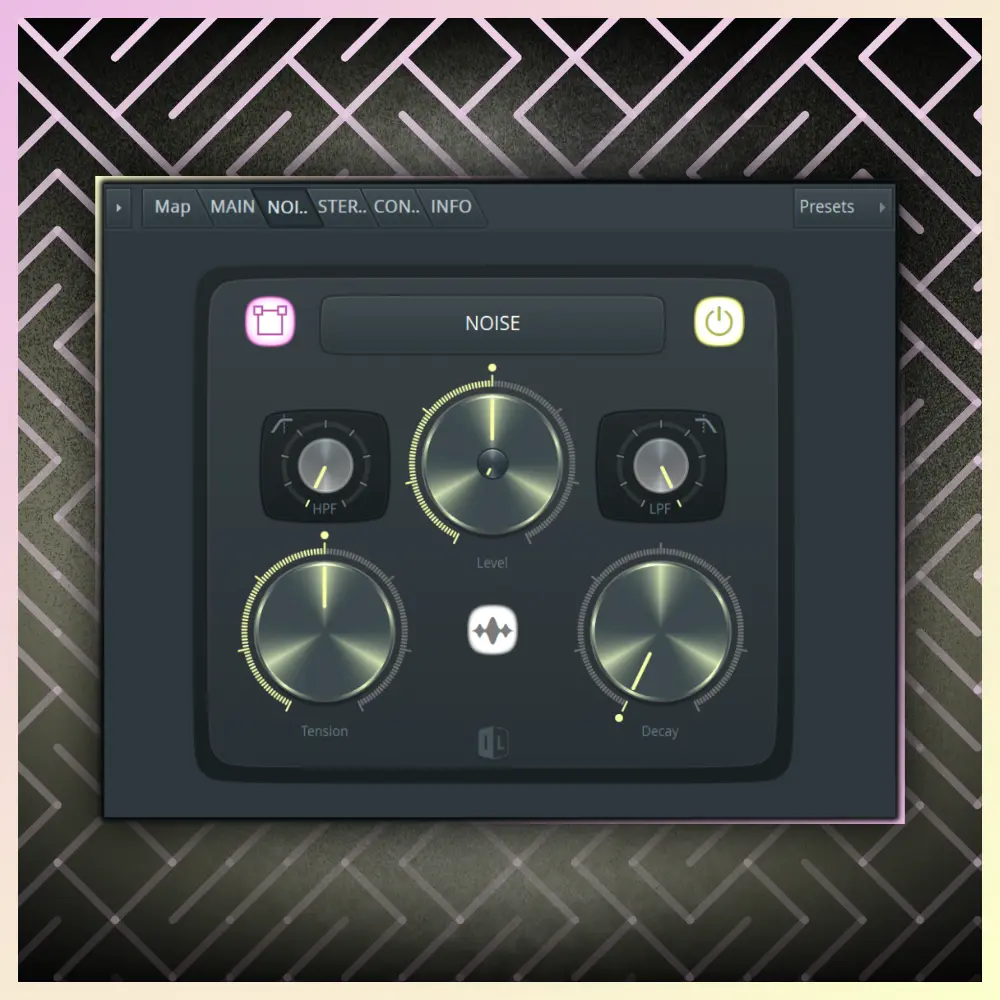
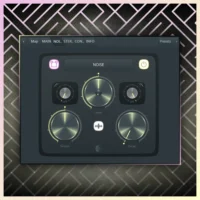
Noise module: Add texture and analog character with layers of white or pink noise, controlling its decay and tension to give cohesion to the rhythm.
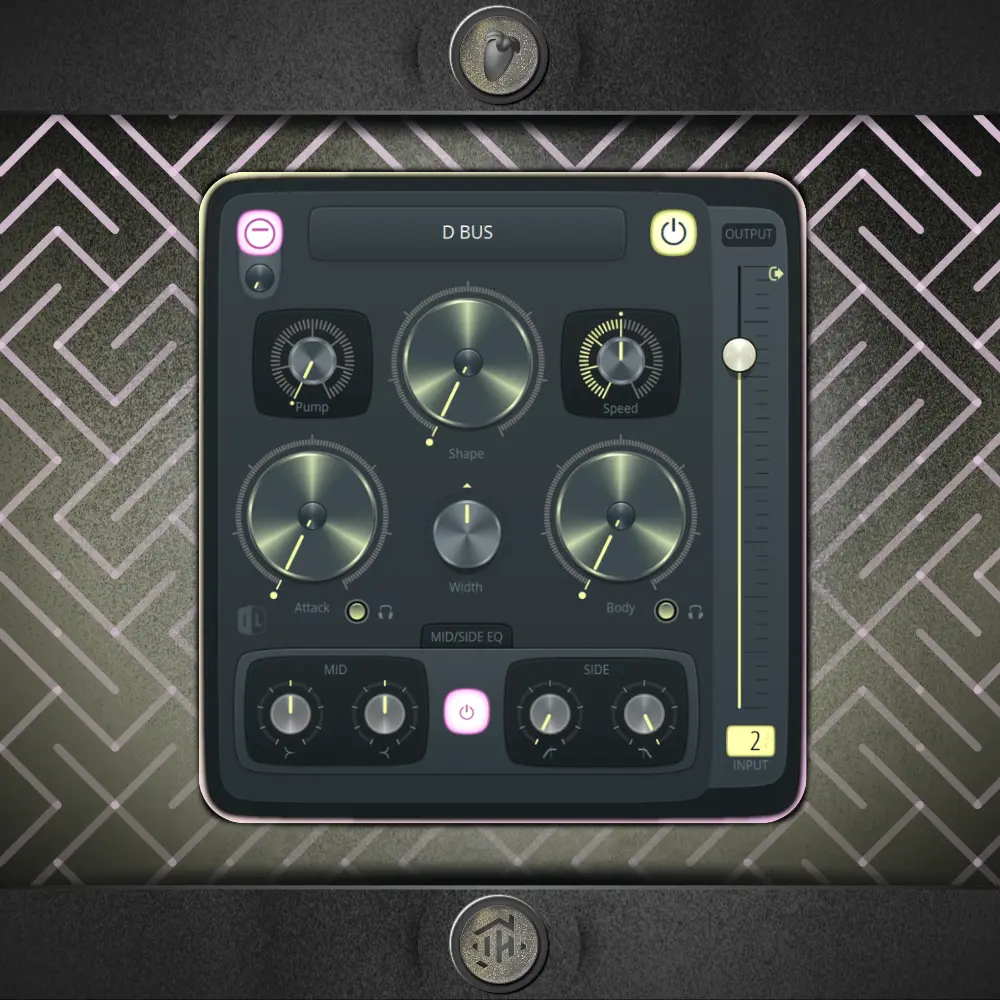
Essential Midside EQ: Perform precise frequency adjustments by separating Mid information (Punch) from the Sides (Brightness/Air) for a cleaner mix.
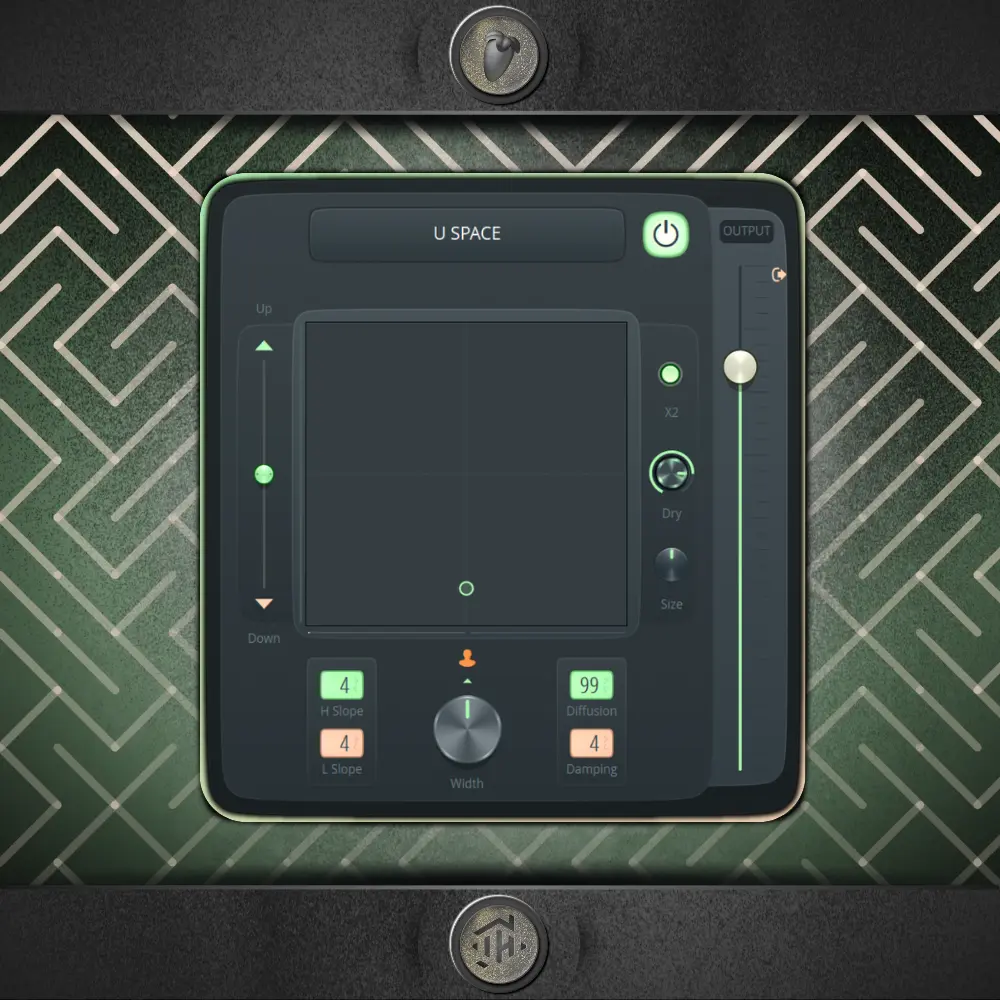
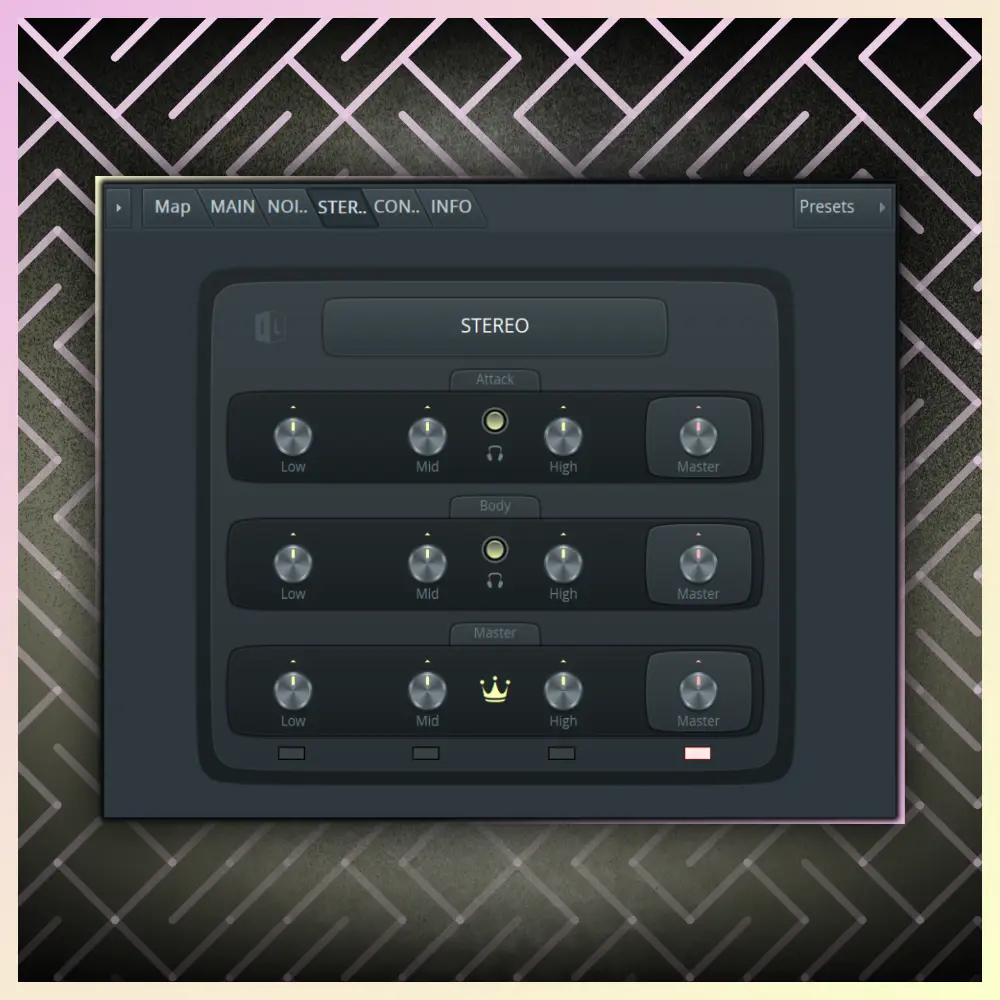
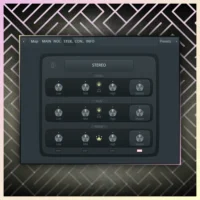
Advanced Stereo Management: Control the amplitude of low, mids and highs independently, allowing you to keep the bass in mono while opening the cymbals.
Multiband Soft Limiting: Maximize the loudness of your drum bus by controlling excessive peaks, ideal for preparing the signal before final mastering.
D-Bus: The ultimate processor for bonding and gluing your batteries.
D-Bus is a Patcher plugin for FL Studio that acts as a complete workstation for the drum bus. Its goal is to provide power and clarity, reducing unnecessary peaks and increasing the overall RMS of the percussion through complex internal routing controlled by a simplified interface.
Transient and Saturation Modeling
The plugin splits the signal into two paths: Attack and Body. Using the main controls, you can amplify the initial impact of the hits or add more weight to the resonance. Each section includes parallel processing, saturation, and built-in soft clipping that automatically adjusts according to the applied gain, allowing you to increase volume without the signal sounding "broken up" or distorted.
Stereo Field Precision and EQ
D-Bus includes a multiband stereo splitter module. This allows, for example, the low frequencies of the kick drum to be converted to absolute mono while widening the stereo image of percussion instruments or hi-hats. Furthermore, its Midside EQ allows for safe cuts to the low frequencies of the Side channel, eliminating muddiness and leaving room for the rest of the mix.
Monitoring and Calibration Tools
To adapt to any workflow, it includes an Input Calibration control. This setting allows the plugin to work with the same precision whether your mix has a lot of headroom or the levels are higher, without affecting the final output volume. The advanced control panel also allows you to view all internal routing and activate or deactivate specific stages to save CPU.
FL Studio 2024.1.2
Requiere FL Studio Producer Edition (o superior) debido al uso intensivo de Maximus.